
Body Composition Smart Scale Set Up
Welcome to the Mend Well program. Let’s get your Withings Body Smart scale connected so we can track your progress together.
Phase 1: Profile Set Up
Steps 1-8 • Essential Foundation
Unbox & Locate
Open the box and retrieve the paperwork behind the scale. Locate the trifold with the scale picture that says Withings/Body Smart.
Download App
Open that trifold and scan the QR code with your smartphone to download the Withings App or go directly to your store.
Get Started
Open the Withings app. Follow the instructions in the app to get started.
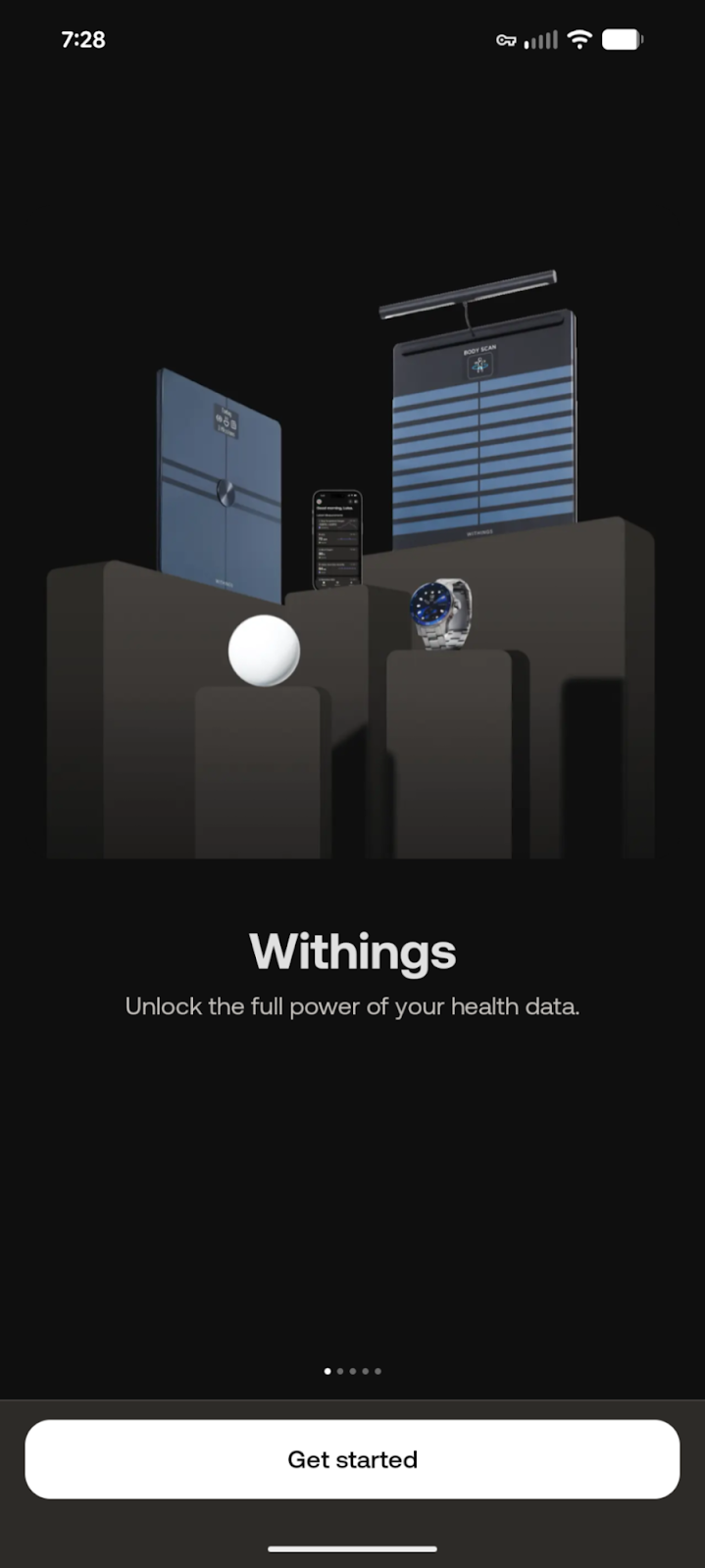
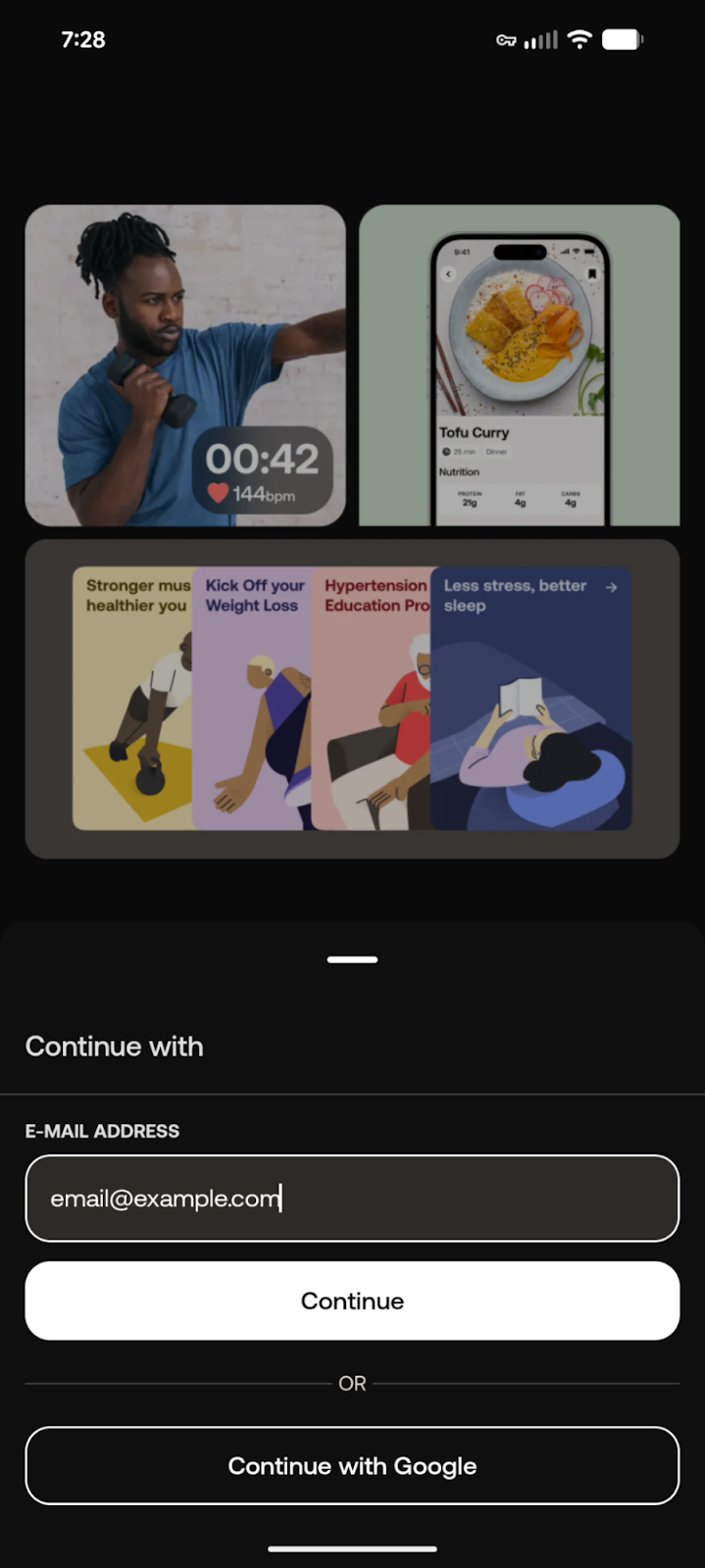
Enter your email to set up your Withings account.
Withings will email a verification code.
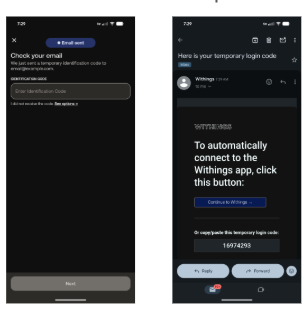
Input code & agree to policies.
Create your profile.
Option for Multifactor Authentication: Yes (follow app) or No (continue).
Phase 2: Scale Installation
Steps 9-19 • Connectivity
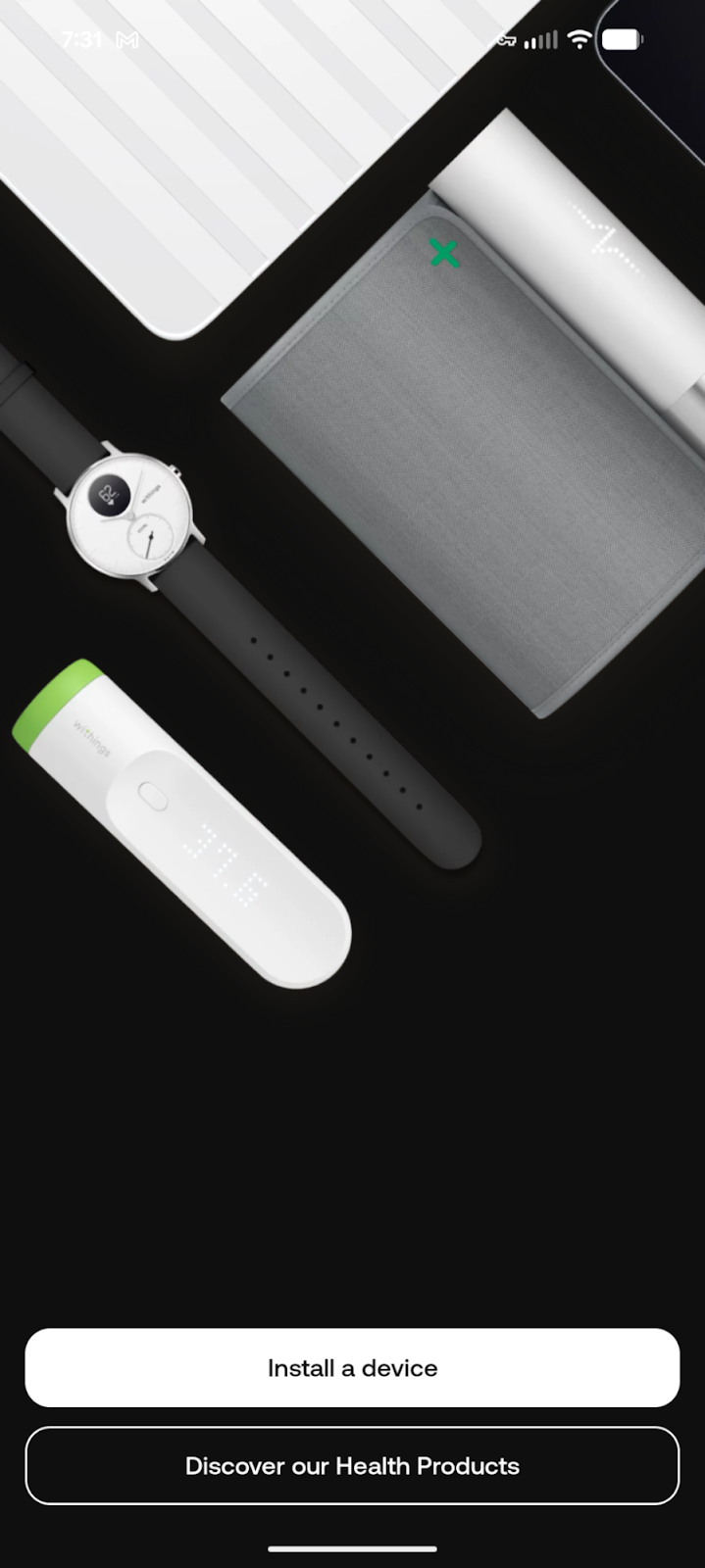
Once profile is set, select the scale/watch icon in the top right corner to start setup.
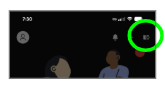
Click on the picture and select “install a device”.
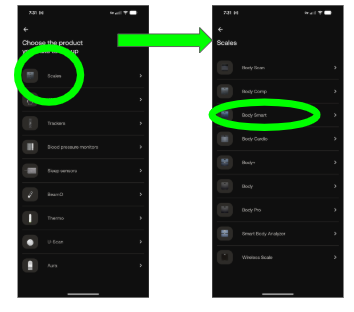
Select “Scales” and then select “BodySmart”.
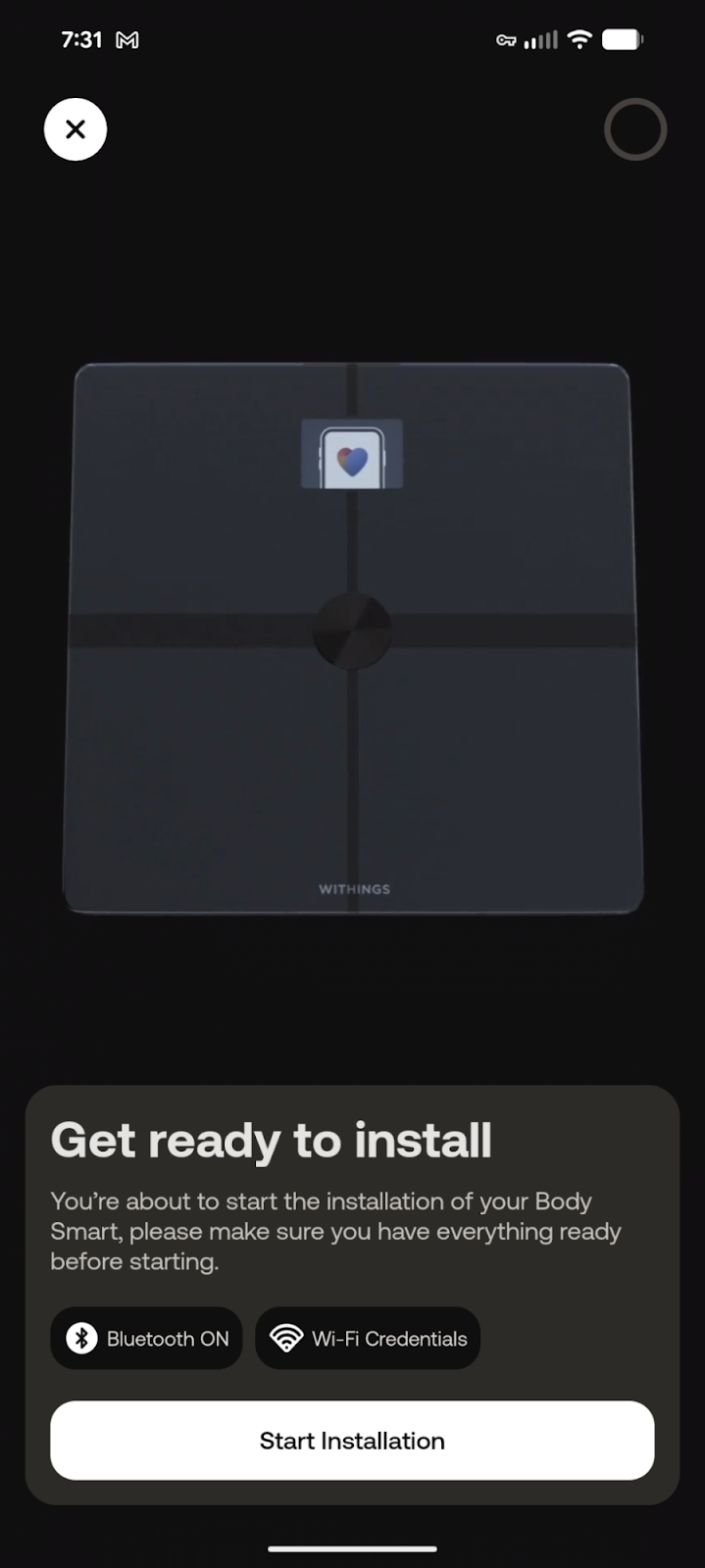
Ensure Bluetooth and Wi-Fi are active, then tap “Start Installation”.
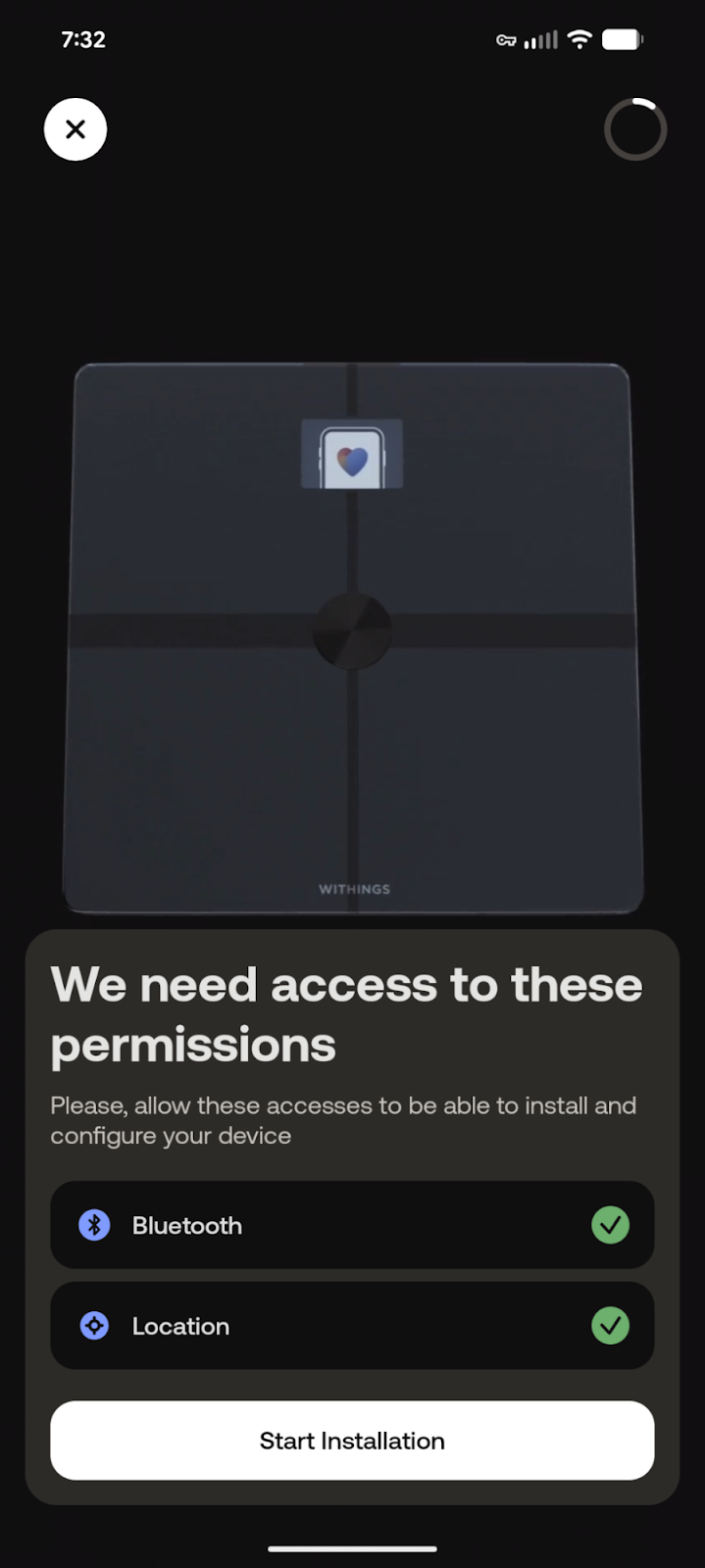
Allow necessary permissions for Bluetooth and Location to proceed.
On the physical scale, hold the button on the back for 3 seconds to connect to your phone.
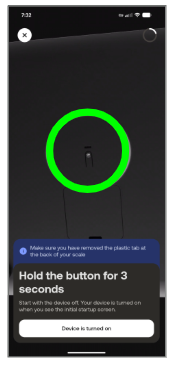
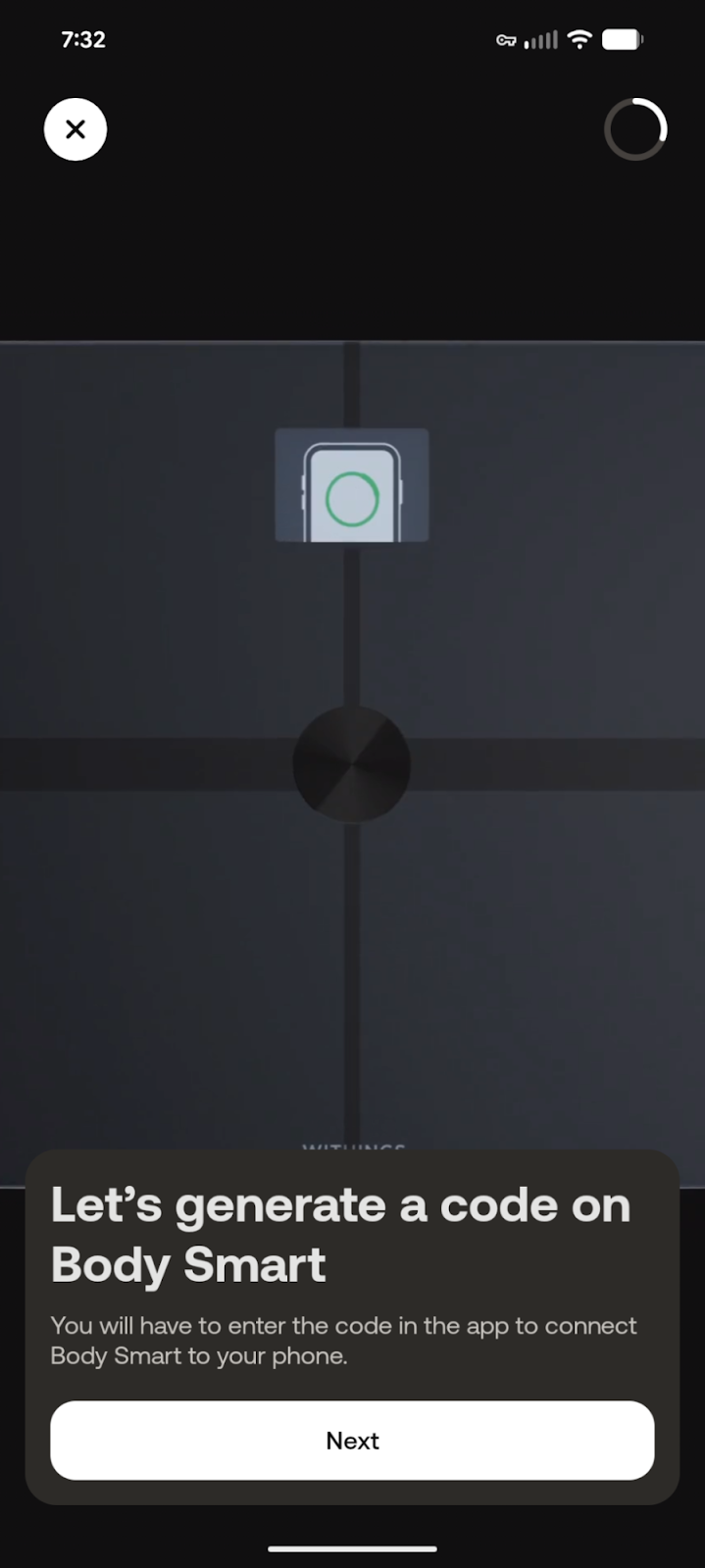
On the app, select “next” to generate a code.
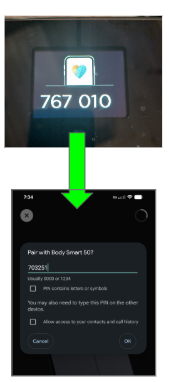
The scale will show a 6-digit code on the front to enter into the app on your phone.
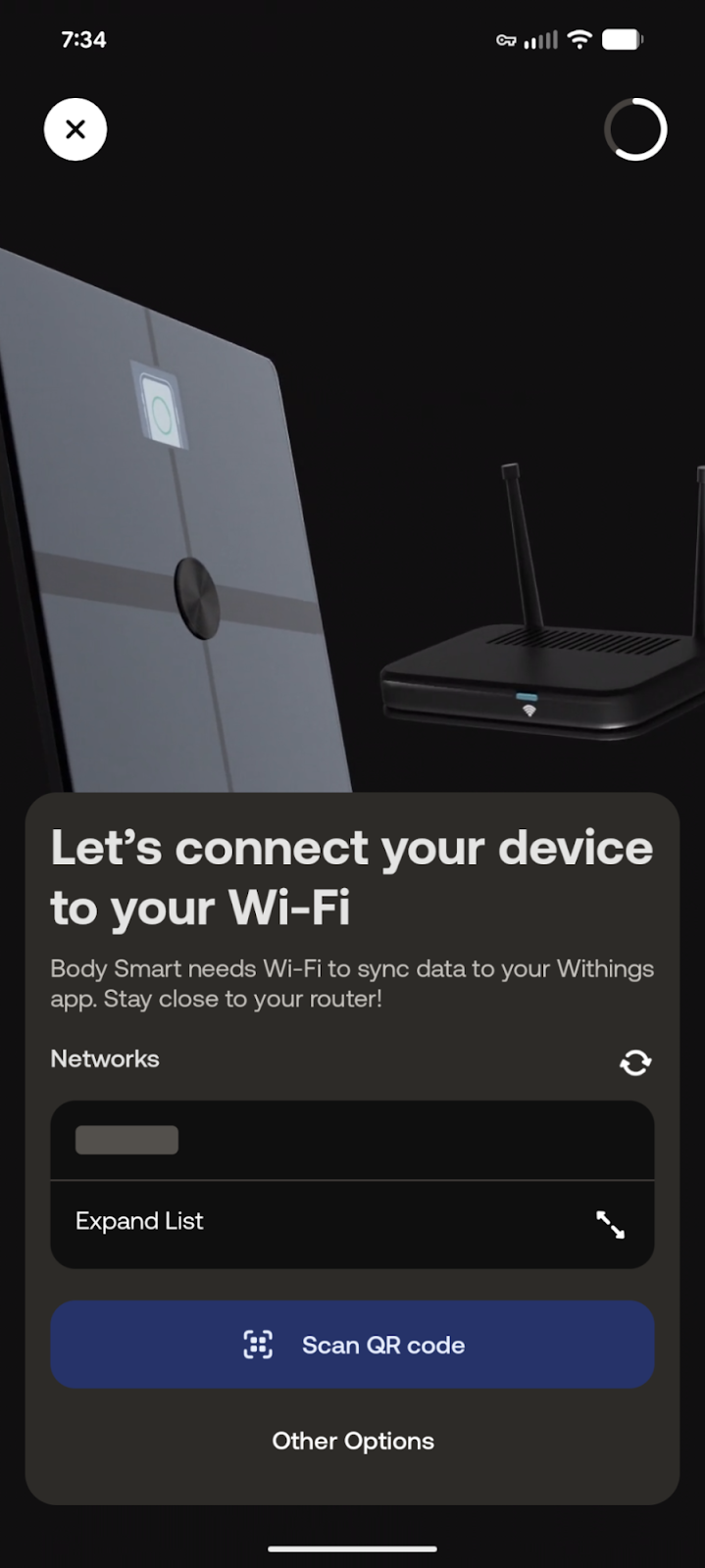
Connect your device to your home Wi-Fi network to sync data.
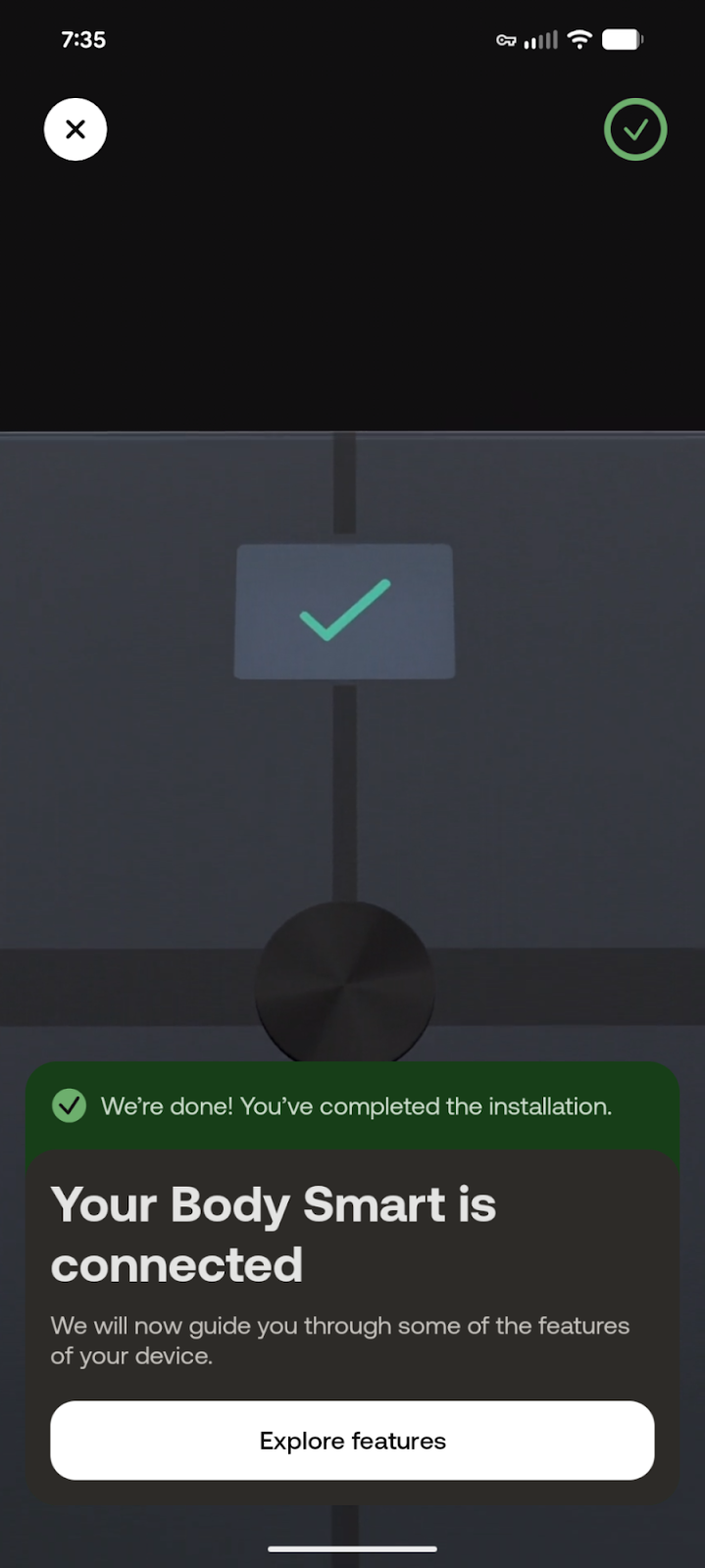
Your Body Smart scale is now successfully connected and ready to use.
Final Integration Trigger
You will receive a link to finish setup (valid for 30 mins). When ready, text your care team:
SCALE
Phase 3: Integration
Steps 20-25 • Portal Sync
Click the link
Click the link from the text message you receive.
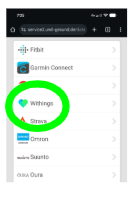
Choose Withings
Choose Withings from the list on the website.
Account Email
Enter your Withings account email address.
Verify Email
If you have multifactor authentication set up, Withings will send a verification code to your email or authenticator app. Return to the webpage and enter the verification code.
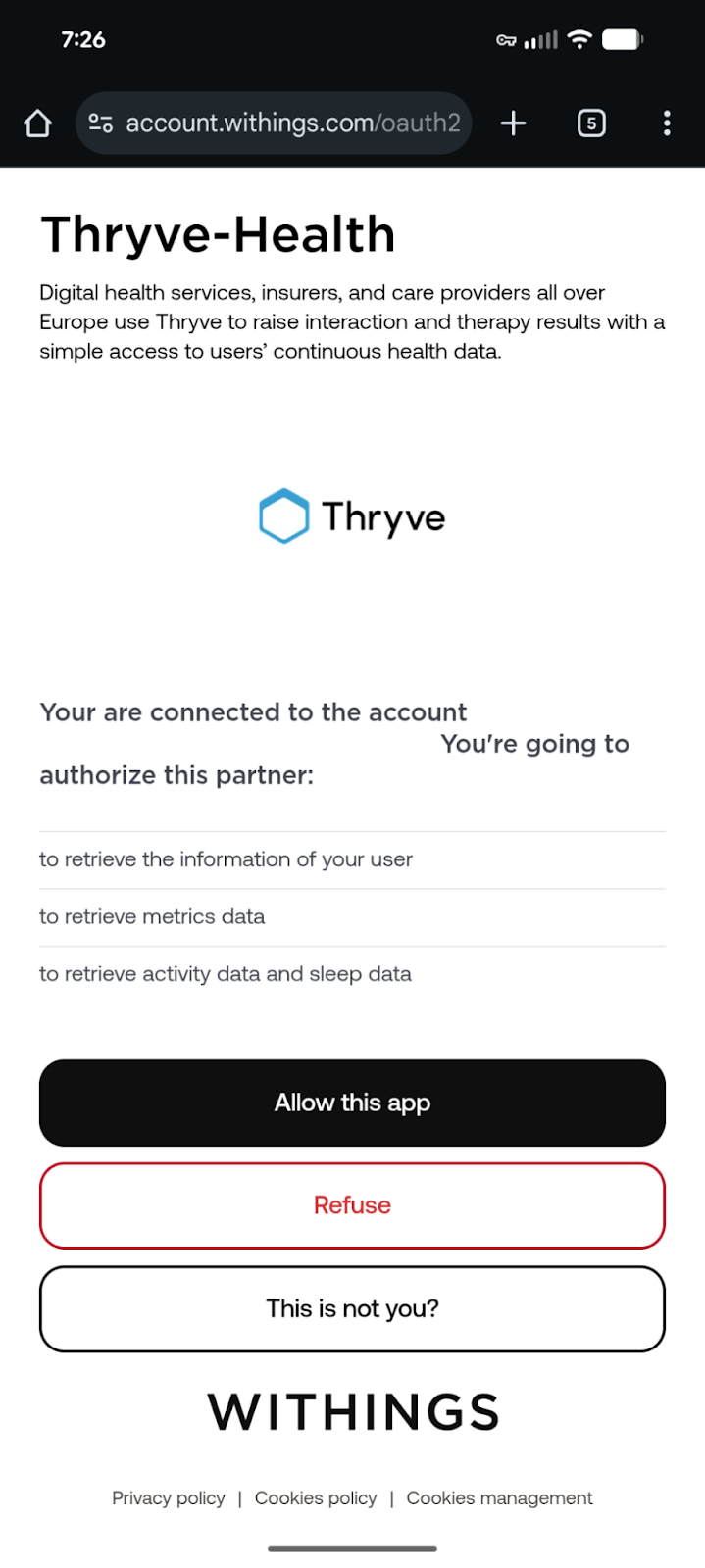
Authorize Sync
Select “allow this app” to proceed.
Step 25
Portal Sync Success
Connected!
Your scale is now synced.
Text your Care Team for support with your setup.
Final Step Complete!
You will receive a green check mark on the next screen. Your scale is now set up and synced to the app and Mend Well for your Care Team to continue to support you in this journey.